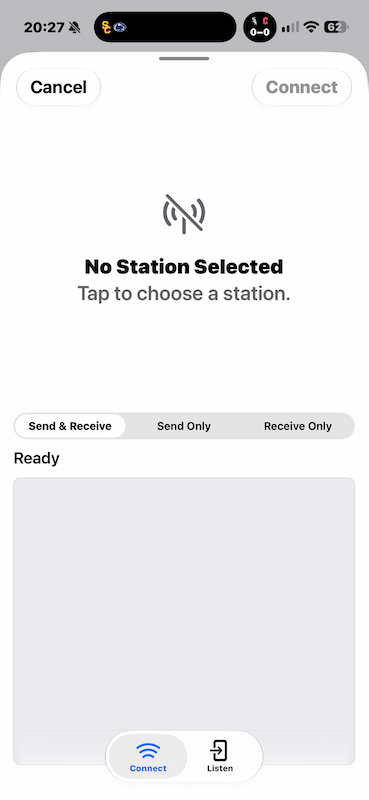
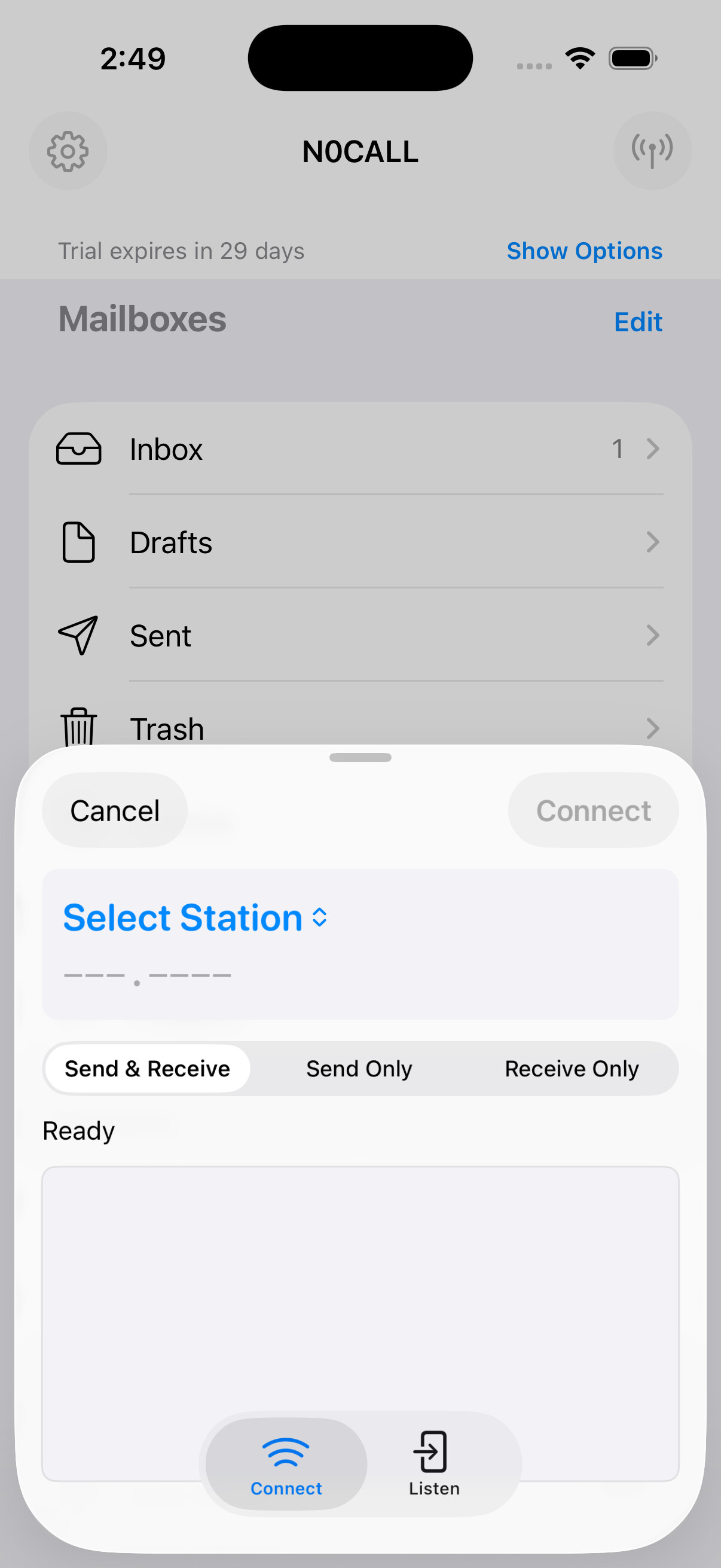
I have been running the TestFlight version, and was hoping the release version would fix this. But I cannot use the Radio Mode, because the Station Directory is empty. See the attached screen shot.
Steps:
Plugged in my device (I have tried both a DigiRig Lite and a AIOC).
Composed a test email.
Selected “Hold for Radio”
Tapped the Station Icon
What Happened?
It says “no Station Selected” and to tap to choose a station, but there are no stations listed
What Did You Expect?
A list of stations that I can selected. This worked fine in version 1.0
Ohhhhhh I didn’t think that “Tap” direction meant to tap there. I was tapping below! That was the biggest reason I was never able to test v2 because I couldn’t get it to work. Maybe add a “here” after Tap to help?
In any case, thanks, I now can see the stations and select them!