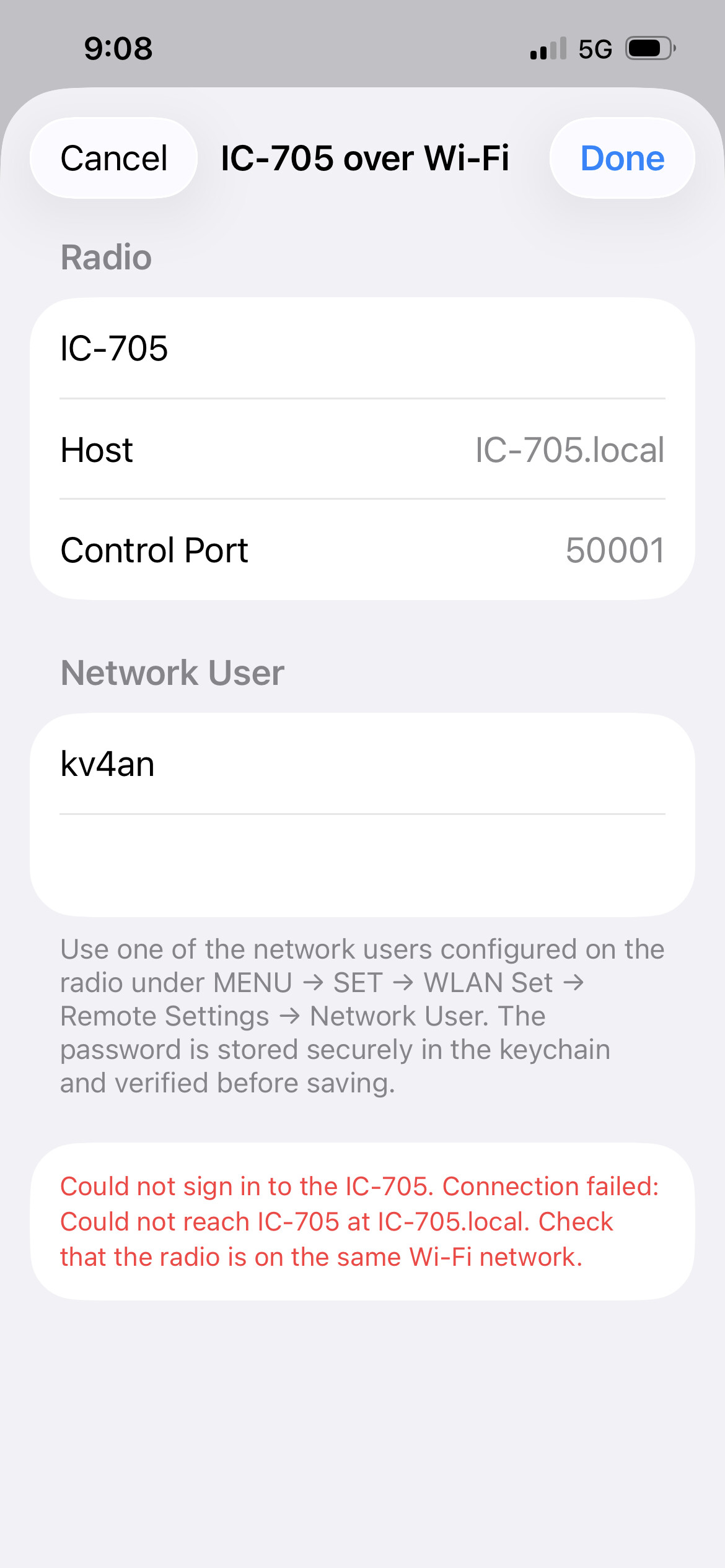
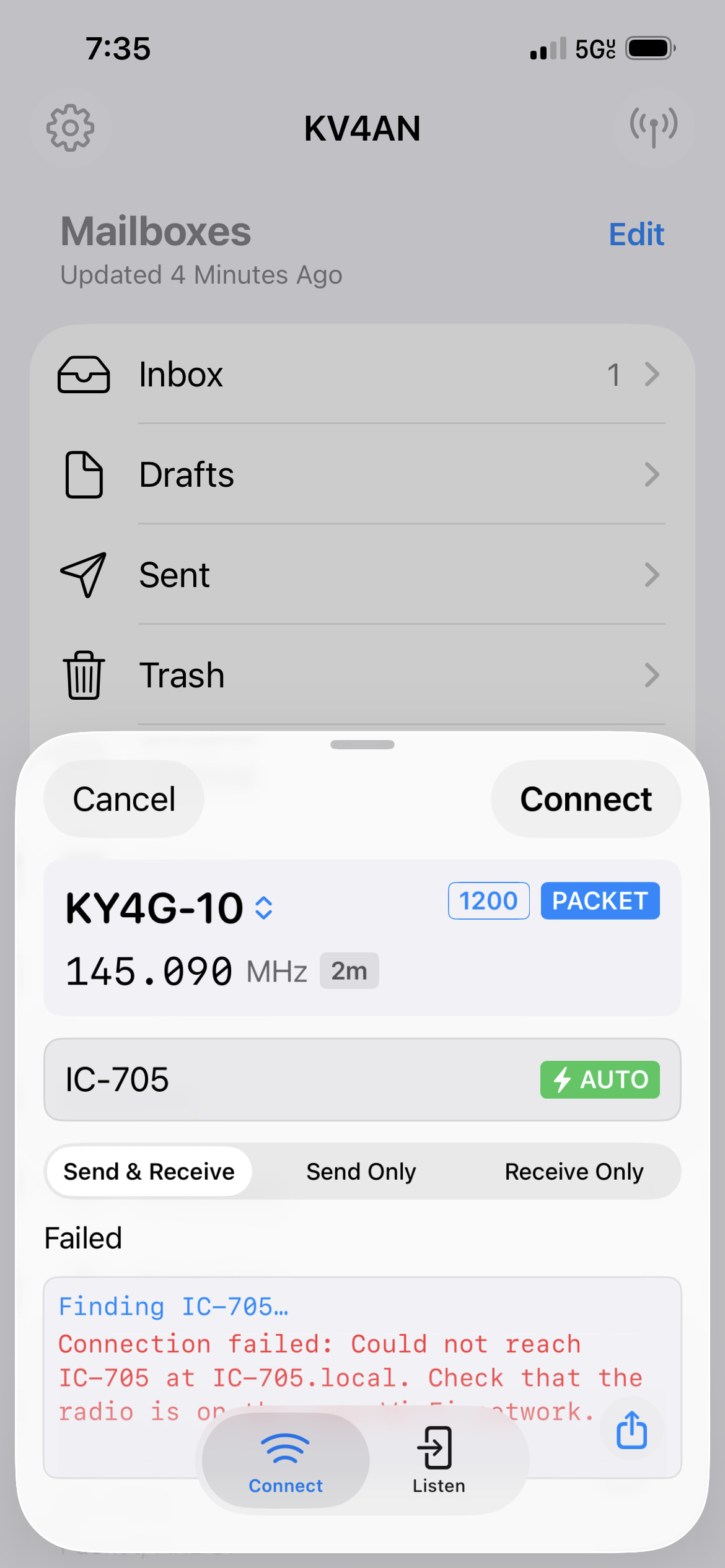
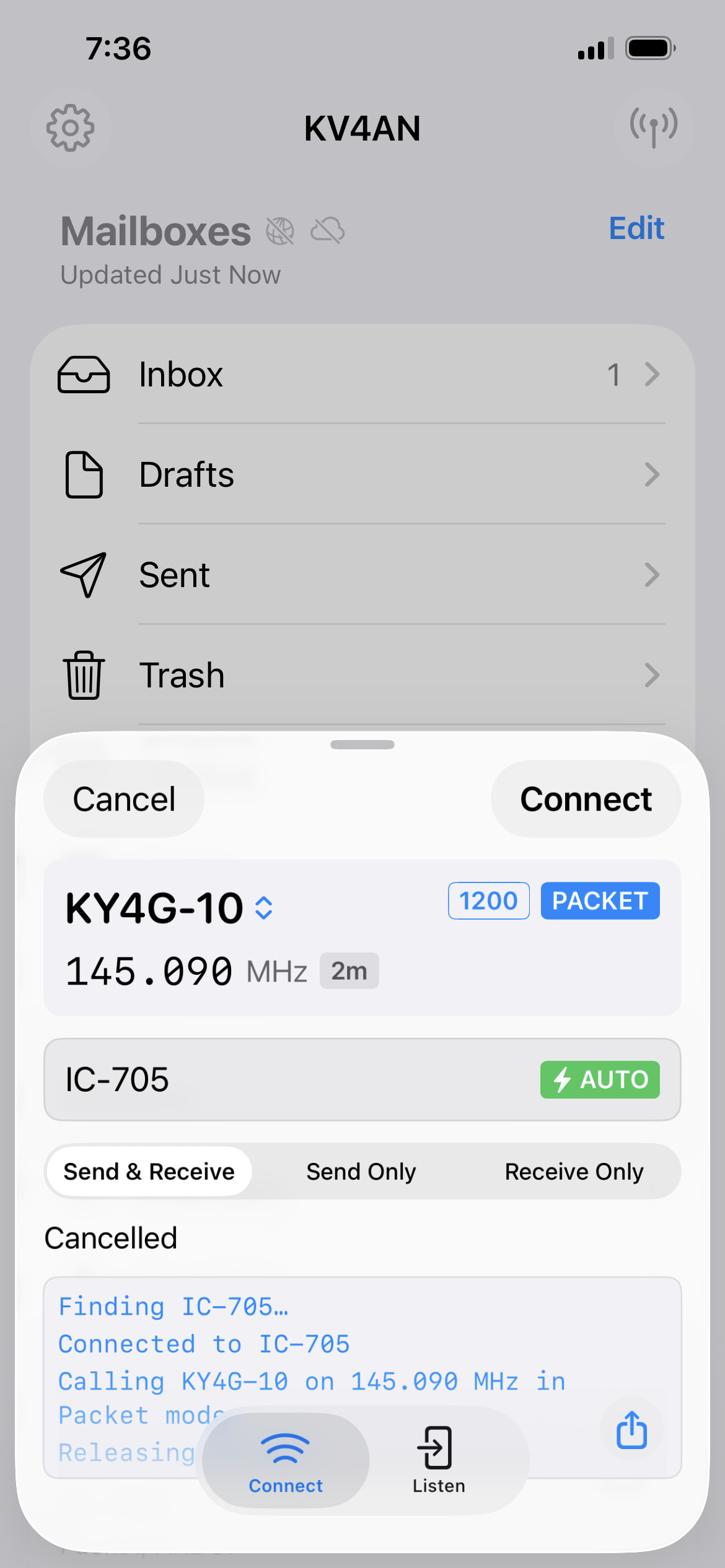
With IC-705 in Station and iPhone connected to home WiFi, able to successfully Add Device and operate.
With IC-705 in Station and connected to iPhone with iPhone as hotspot, able to Add Device and operate.
With IC-705 in Access Point and iPhone connected to IC-705 WiFi, unable to Add Device.
Tried multiple times ensuring password was typed correctly.
What Happened?
Radio is found, but when you enter the Network User and Password, you get an error message “could not sign in to the ic-705. Connection failed: could not reach ic-705 at ic-705.local…”
What Did You Expect?
Expected that Access Point would have worked like Station.
Yes. Same username and password as the Station mode. Note that Access Point does workuse when using Icom’s RS-BA1 remote software to connect a Windows laptop to the IC-705 for digital modes, so I know Access Point works on the 705.
The way I try to connect is:
Set the IC-705 to Access Point and turn on WLAN
Connect the iPhone to the IC-705 WiFi in the iPhone WiFi settings
Run RadioMail App on iPhone
Add Device
Select the IC-705 when it is discovered
Enter username (same one I use for RS-BA1 when doing digital with the laptop)
Enter password
Click Done
After around ten seconds or so it says it can’t connect.
The only two thing different from Station mode is which WiFi the iPhone is connected to and which mode is selected in the IC-705 (and you can see the mode on the 705 screen with the opposite color WiFi symbol).
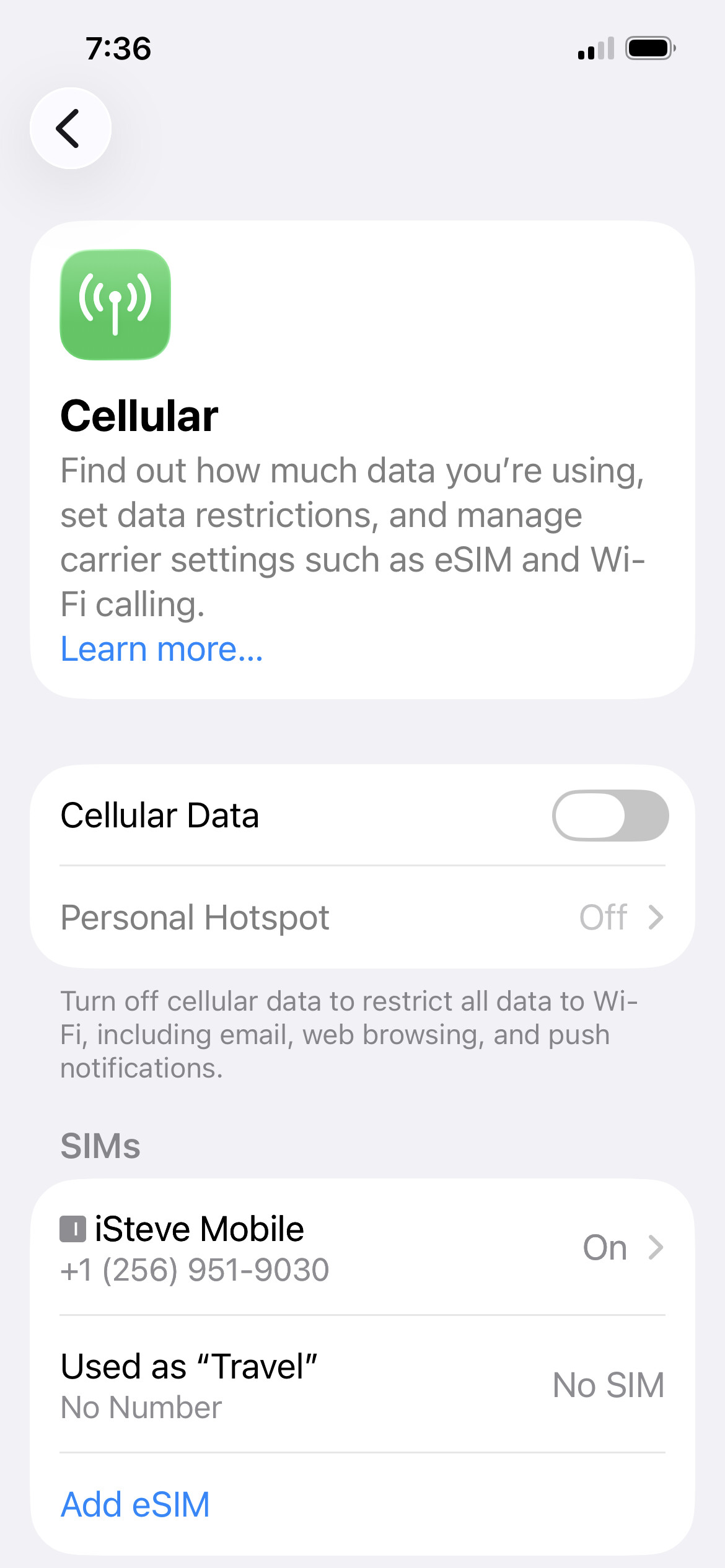
Interesting. It’s probably trying to route the request via cell data and fail. I would expect that if you put the phone in airplane mode it would work as well. Will have to figure out if there is a way around that.