My IC705 is not discovered when i attempt to add new device. IC705 has a wlan connection to my home network, a static IP address, and works perfectly via wifi with SDR connect. What am I missing? Is there a way to input ip address in order to establish connection?
It can take a few minutes for the IC705 to be detected, assuming it’s on the same subnet.
Can you provide a little more details about your network configuration? Are the IC705 and the iPhone/iPad on the same WiFi?
My network is a tp link router connected a tp link wifi extender in my shack by ethernet cable. The Ic 705 connects to the network via wifi to the extender. I use it with SDR Connect on my macbook and sdr mobile on my iPad and iPhone. I have assigned a static IP address to the IC705. It works flawlessly with the sdr apps. I have connected several times today with no issues.
After receiving your reply, I restarted RadioMail 2 on my Ipad, tapped the add device button and have waited as long as 10 minutes for it to connect, all to no avail.
I have even turned off the IC705, reconnected to the network, still not found. I only have the one network.
thanks
What are the IP addresses of the IC-705 and iPhone/iPad when on Wi-Fi?
What is the name of your IC-705 on the network (WLAN Settings > Network Name)?
IC705 192.168.68.66
Rons-IPAD. 192.168.68.54
Thanks. Could you try a few steps?
- Settings → RadioMail → Local Network must be on
- Confirm IC-705 is on default port 50001
- What is the subnet mask on iPad? Settings → Wi‑Fi → (i) on the network → note Subnet Mask
- Make sure SDR app is fully quit.
IC-705 scanner is experimental so I will have to add more logging information to help debug this further.
- Local network is on.
- Ic705 is on port 50001
- Subnet Mask. 255.255.252.0
- Sdr mobile turned off.
These have been the settings for all attempts.i appreciate your assistance.
I would love for this to work i would never have to use a usb cable with my IC705 if it will.
Thanks
I think your large subnet mask was causing the app to not search for the IC705 at all. I’ve expanded the range a bit.
Give build 35 a try and let me know if your 705 shows up. Should not take more than a minute.
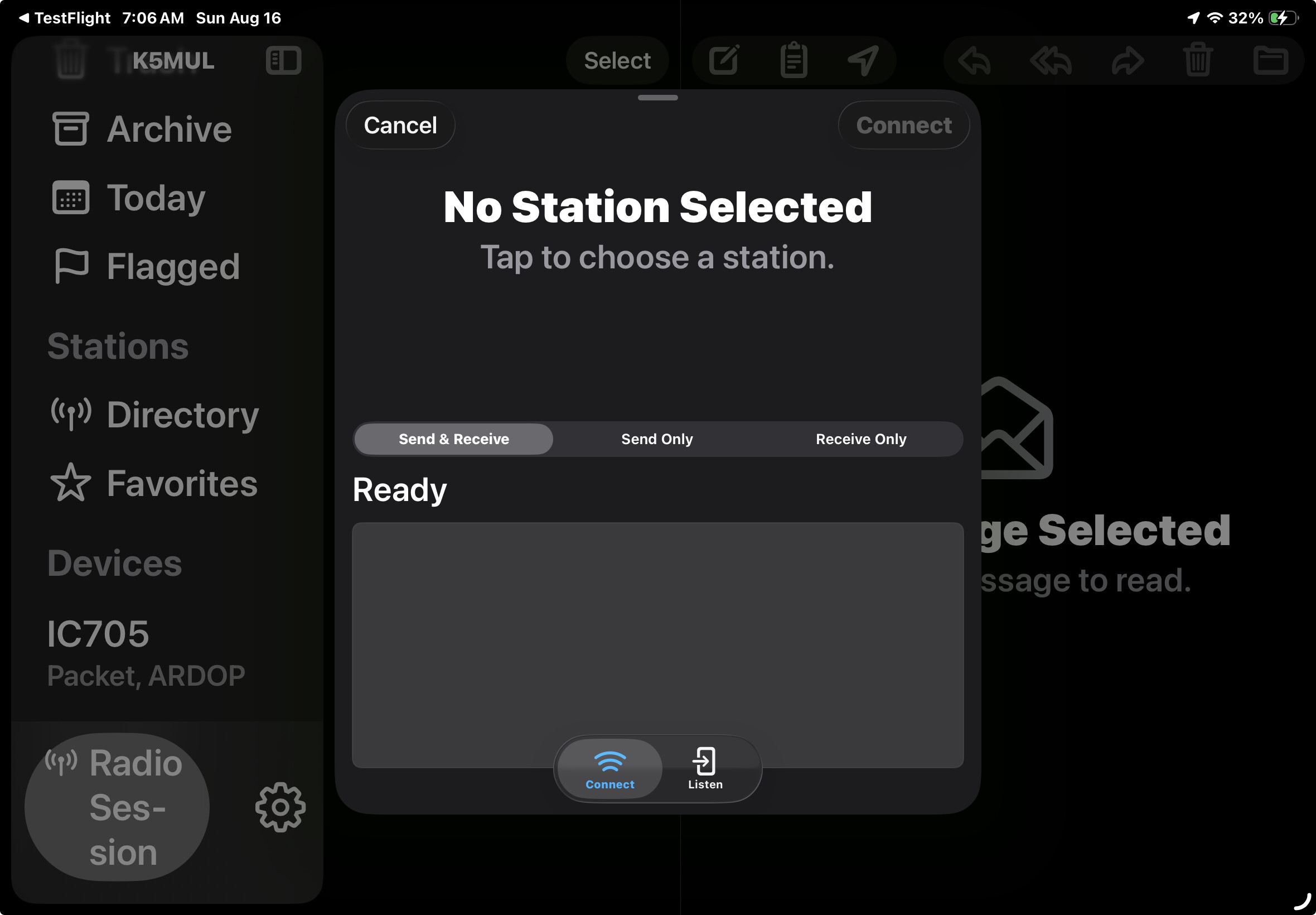
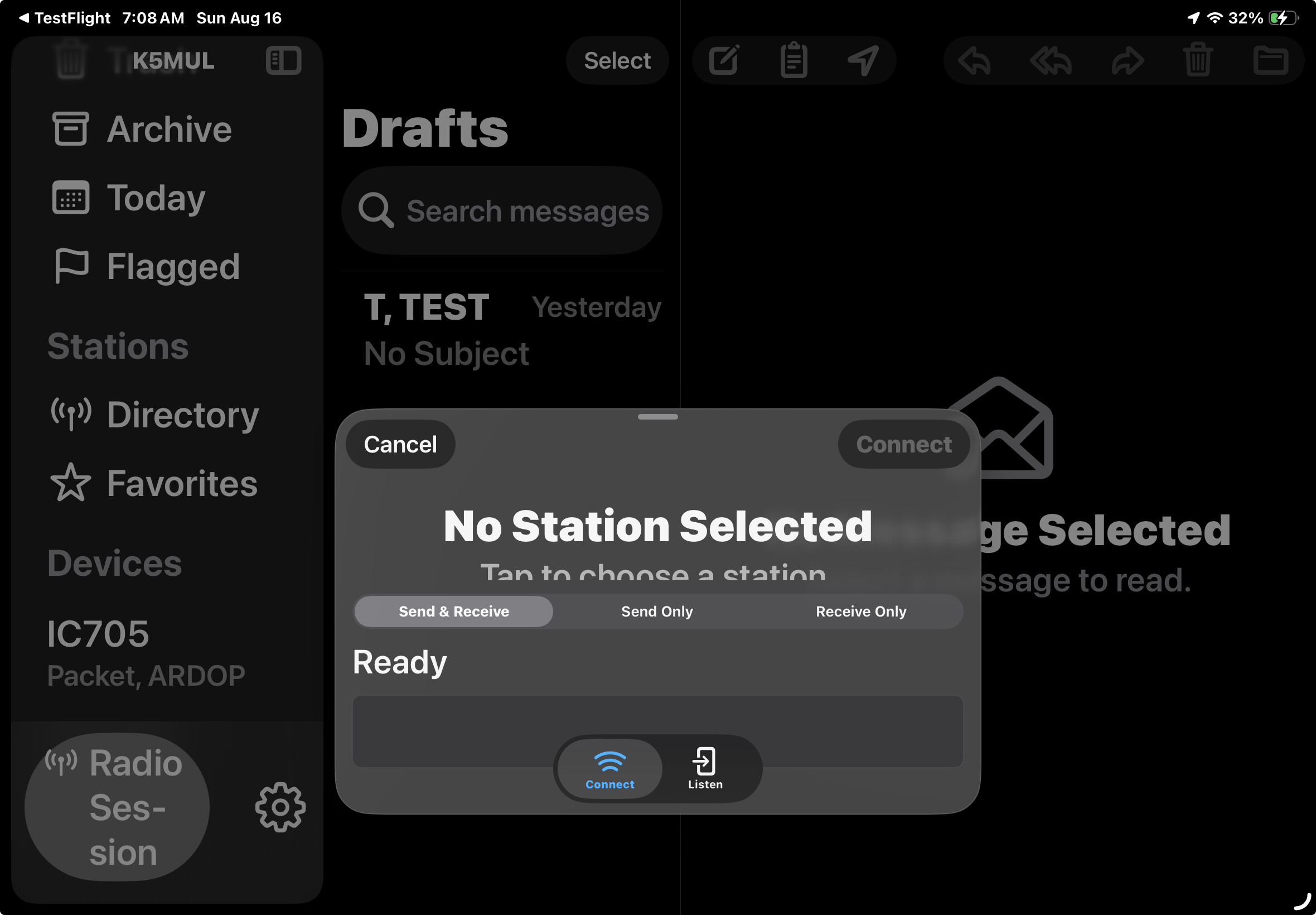
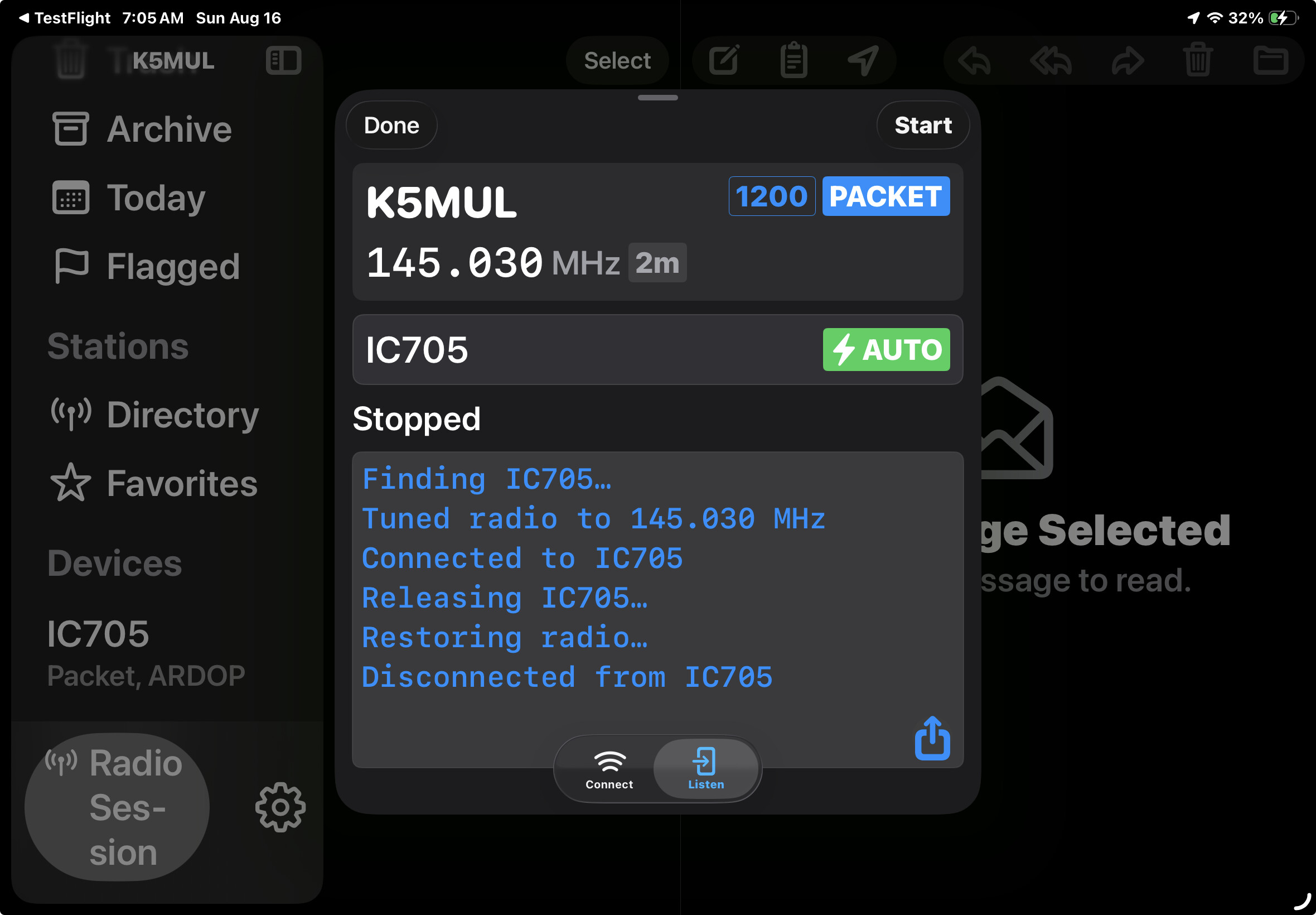
Great. To establish a connection, you first need to select a station (where it says “Tap to choose a station”) so that the app knows which mode your trying to connect with.
Depending on the station mode, a list of eligible paired devices will show up. If you have more that one device, say a UV-PRO with a built in TNC and the IC-705 that can be used with the internal packet modem, you can select either of them.
Great. Almost there. I am only using with my 705 at this time. It is recognized with packet and ARDOP. If I choose either VARA it says no device connected. Is VARA not yet implemented? It does not show as available for the IC705 in my settings
Not a big deal right now, however I would like to be able to use HF stations. Thanks
VARA is supported as a mode. But because the VARA protocol is undisclosed and proprietary, and is only available as a windows only software, it needs to run on a PC somewhere.
To help with discovering and managing the lifecycle of such modem you can use:
To create a portable, compact VARA modem:
OK. Understood. Not worth the pain of windows. That is the beauty of what you have created here.
It appears everything is working properly now. I have not successfully connected yet however I think that is due to distance with 2m stations. I live in a very rural area and the closest station showing up for ARDOP or packet is 43 miles. Problem with HF may be poor propagation although I have tried close NVIS stations and further stations on 20 and 40 meters.
If that persists this evening I will advise.
I appreciate all your assistance.