Looking for help integrating Mobilink modem with RadioMail
If you have Mobilinkd TNC version 3, it will be discovered automatically via Bluetooth Low Energy (BLE).
1. Make sure the TNC is turned on
2. Go to the Mobilinkd app and verify that it can discover and connect to the TNC. Not strictly necessary but validates that everything is in order
3. Disconnect from Mobilinkd application
4. Open RadioMail
5. Go to Settings > KISS TNC Modem > Default TNC >
6. After a few seconds "TNC3 Mobilinkd" should show under the BLE KISS TNC discovered heading
7. Tap to select TNC3 Mobilinkd
8. Tap Done
From this point, any connection you've added with a Protocol AX.25 Packet will use the Mobilinkd TNC to connect.
You can see it in action in this [video](https://www.youtube.com/watch?v=BE3kCXP4Brc&t=8s)
If you have an older version of Mobilinkd TNC, you can still use it, but since it does not support BLE you will need to connect it to a computer first and expose it as a TCP TNC.
Two elements are required:
A. Expose the TNC in/out serial data stream as a TCP socket. These instructions are for a Mac/Linux systems.
1. First, find out what serial device the TNC mount as. For example `/dev/cu.usbmodem208B358A41301`
2. Run the following command to start a TCP server on port 8001
nc -k -l 8001 > /dev/cu.usbmodem208B358A41301 < /dev/cu.usbmodem208B358A41301
B. Advertise the TNC via DNS-SD. This allows RadioMail to discover the TNC on the network and auto configure the IP and PORT.
On Mac
dns-sd -R "KISS TNC over TCP" _kiss-tnc._tcp local 8001
On Linux
avahi-publish -s "KISS TNC over TCP" _kiss-tnc._tcp 8001
1. Open RadioMail
2. Go to Settings > KISS TNC Modem > Default TNC >
3. After a few seconds "KISS TNC over TCP" should show under the TCP KISS TNC discovered heading
4. Tap to select KISS TNC over TCP
5. Tap Done
DNS-SD service discovery [specification](https://github.com/hessu/aprs-specs/blob/master/TCP-KISS-DNS-SD.md) for KISS TNC used by RadioMail
Yes, I will offer feedback on integration.
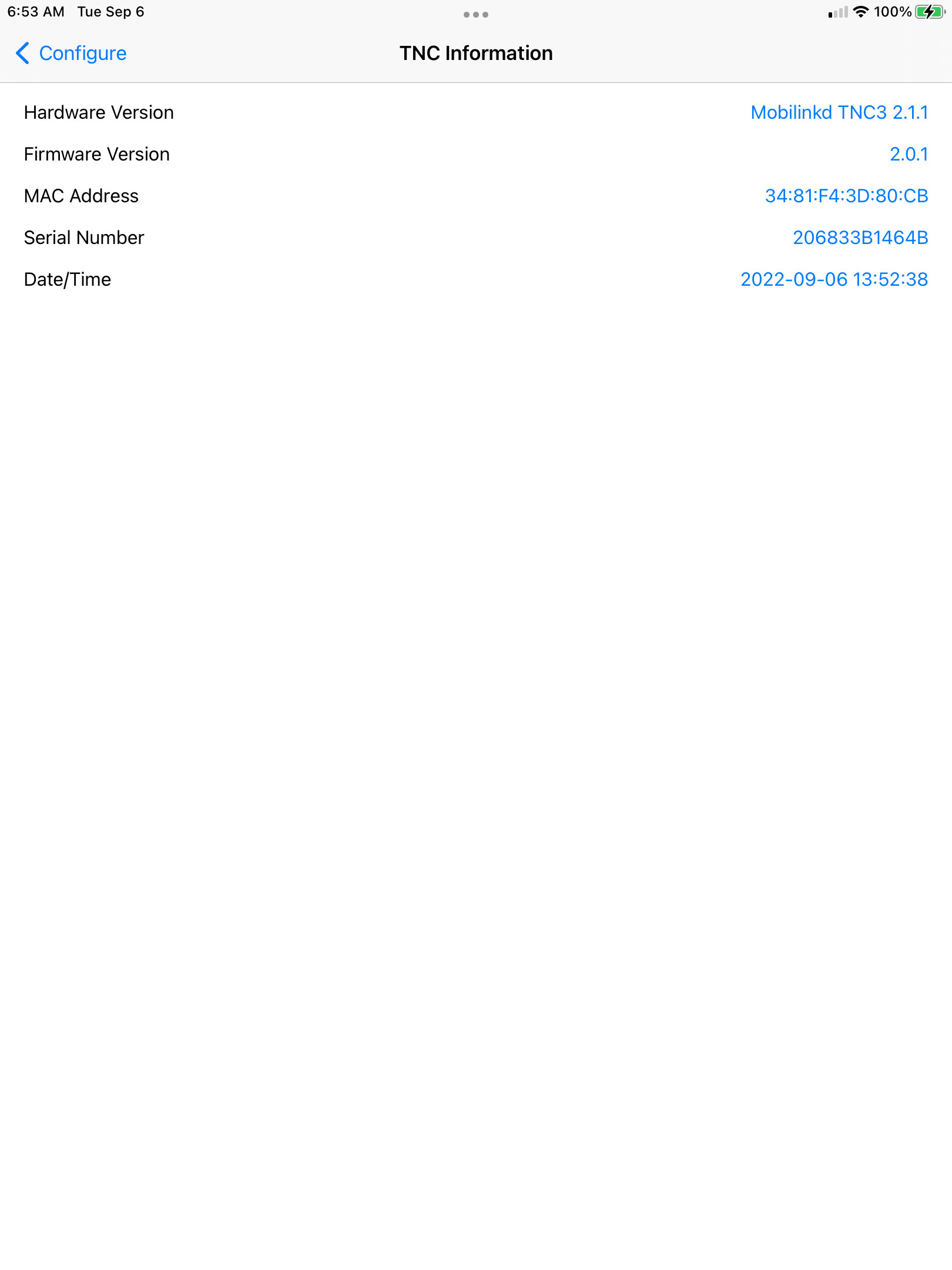
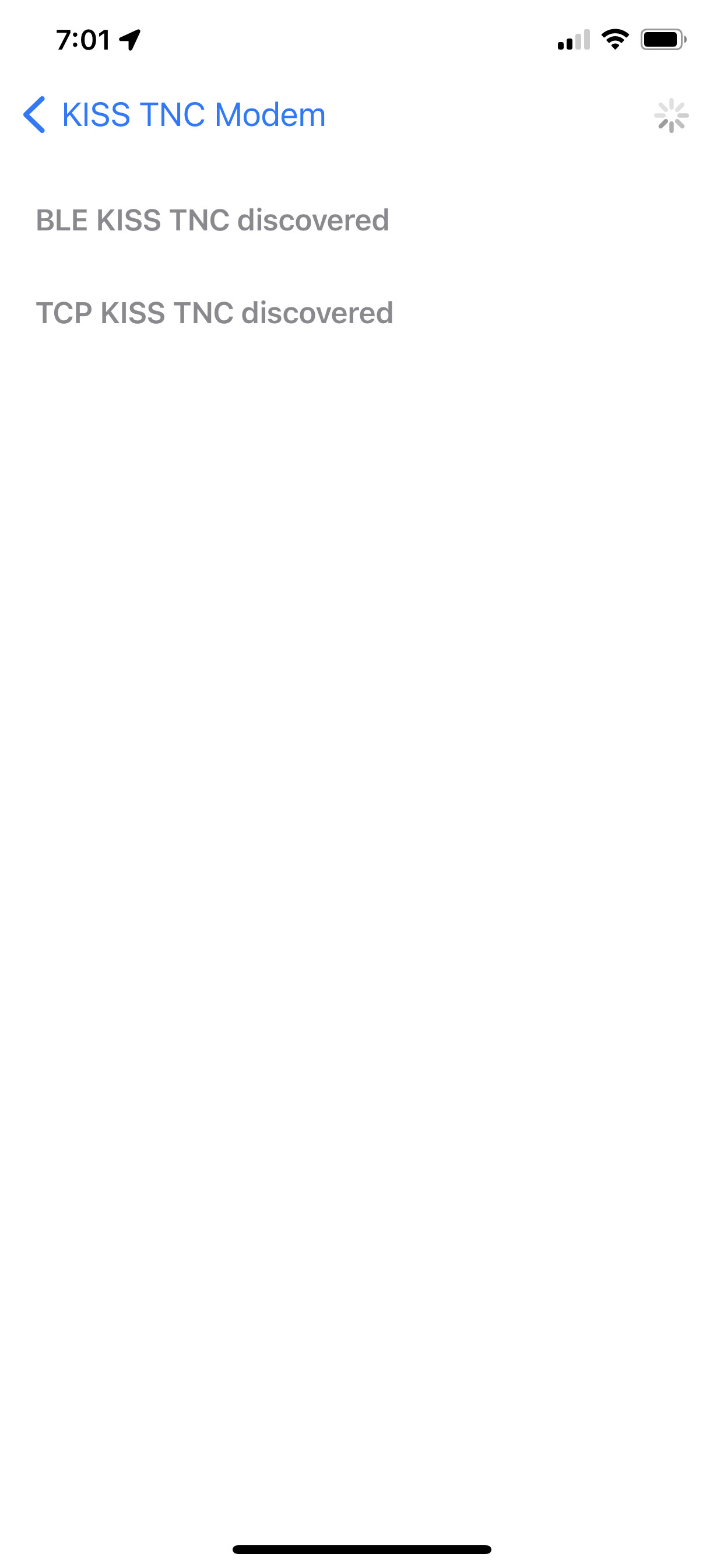
I have a Mobilinkd TNC3. I think it should support BLE. But TNC3 Mobilinkd" never shows under the BLE KISS TNC discovered heading
Are you waiting long enough on the device search screen? It can take ~10 s until it shows up in the list.
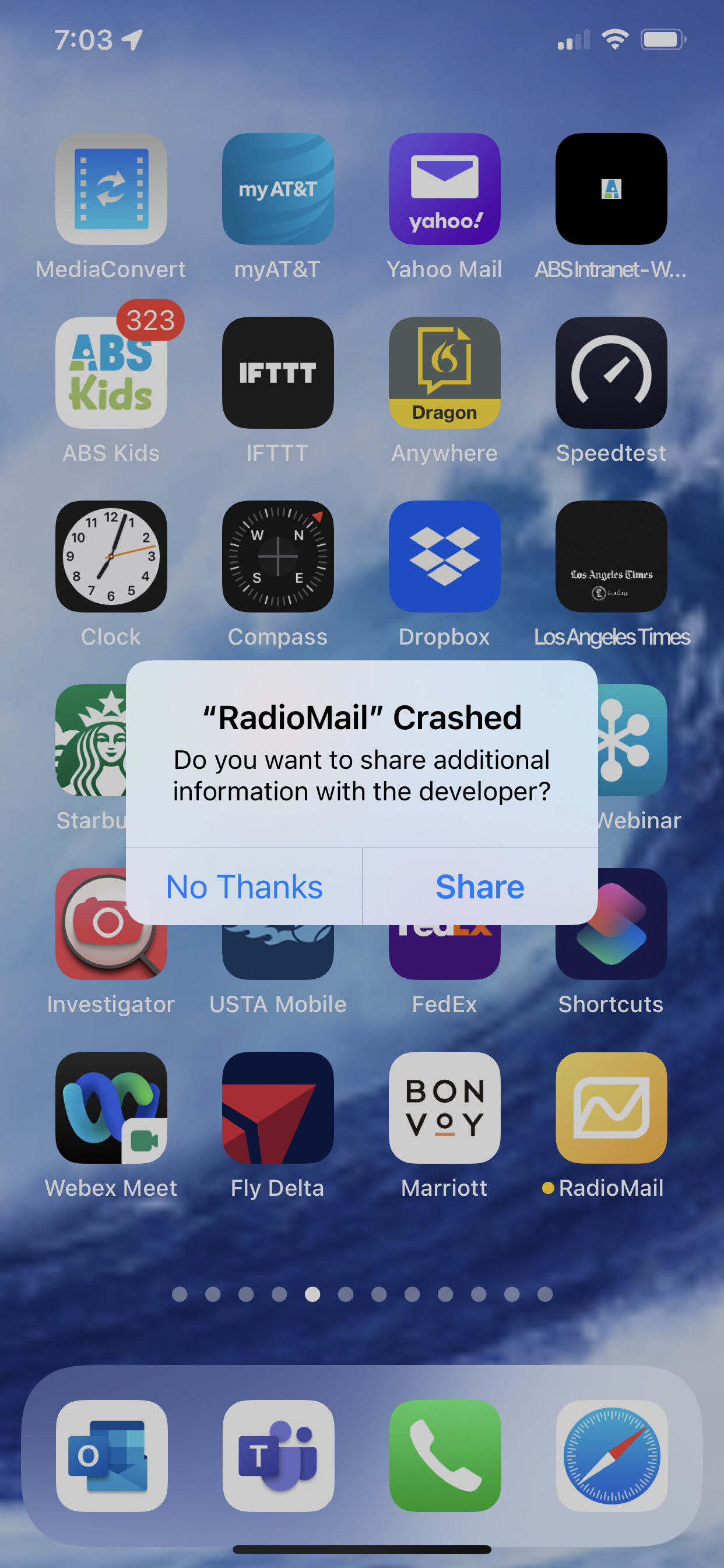
Is the crash screen you included related to searching for the TNC or is it something else?
I waited about 10 minutes. I there something I need to do to make it discoverable? It shows up fine on the mobile link conf app (see snapshot) . The crash comes when I hit connect in RadioMail and I haven't selected a device.
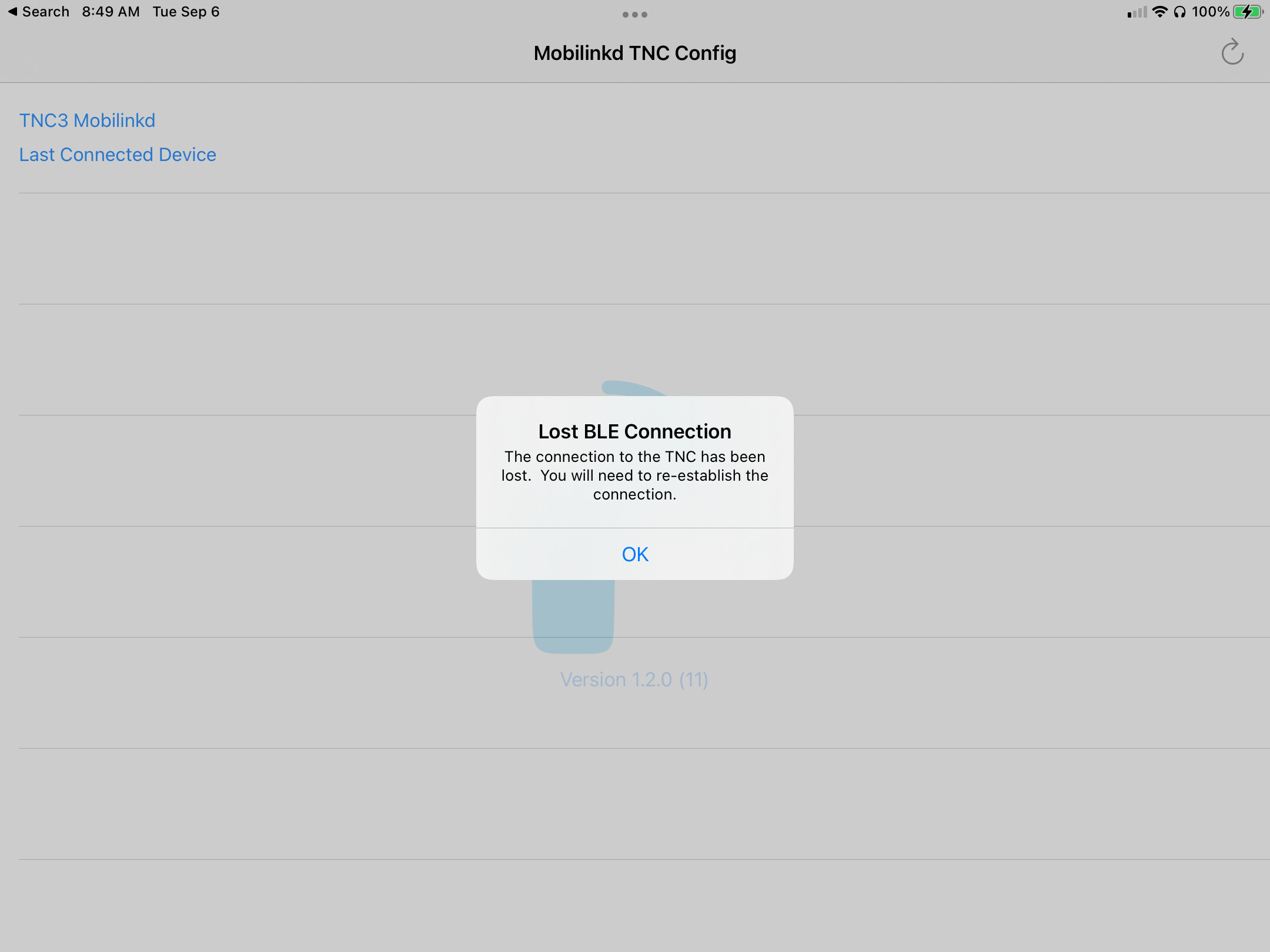
Are you running the Mobilinkd app on different device? Looks like it's running on an iPad. Can you run it on the same device that RadioMail is running to verify that it can access the TNC?
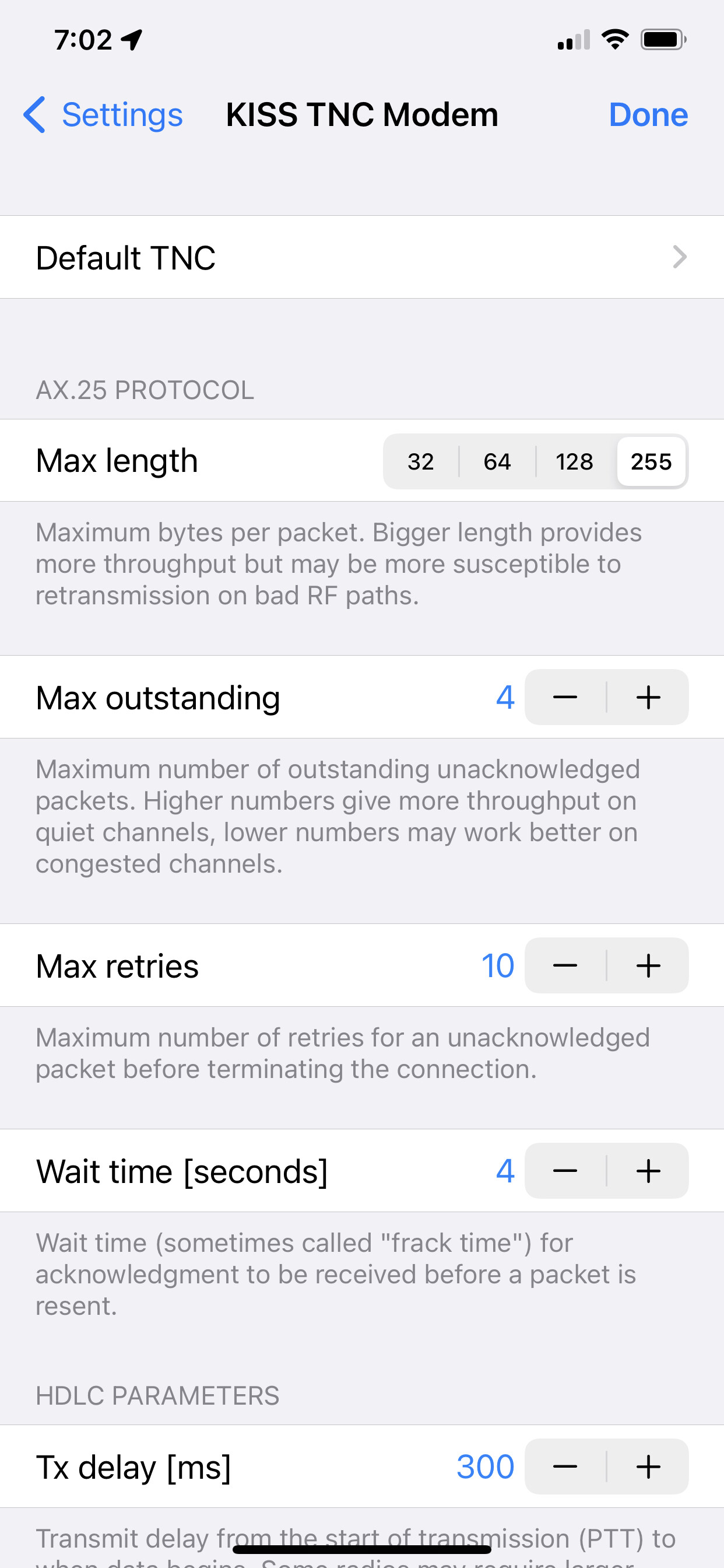
No difference on iPhone 10XS This is where is have mobilelink config and RadioMail loaded. Logged out of Mobilinkd config. Still nothing discovered on KISS TNC Modem
Did you allow RadioMail access to Bluetooth?
You can verify this in **iOS Settings -> RadioMail**
If all looks good and still TNC is not discovered, you can try turning on Remote logging so I can take a look to see if anything unusual comes in.
Go to iOS **Settings -> RadioMail -> Log to Remote Server**
Go back to RadioMail and try to access TNC.
Make sure to turn logging off once you're done as it's pretty verbose.
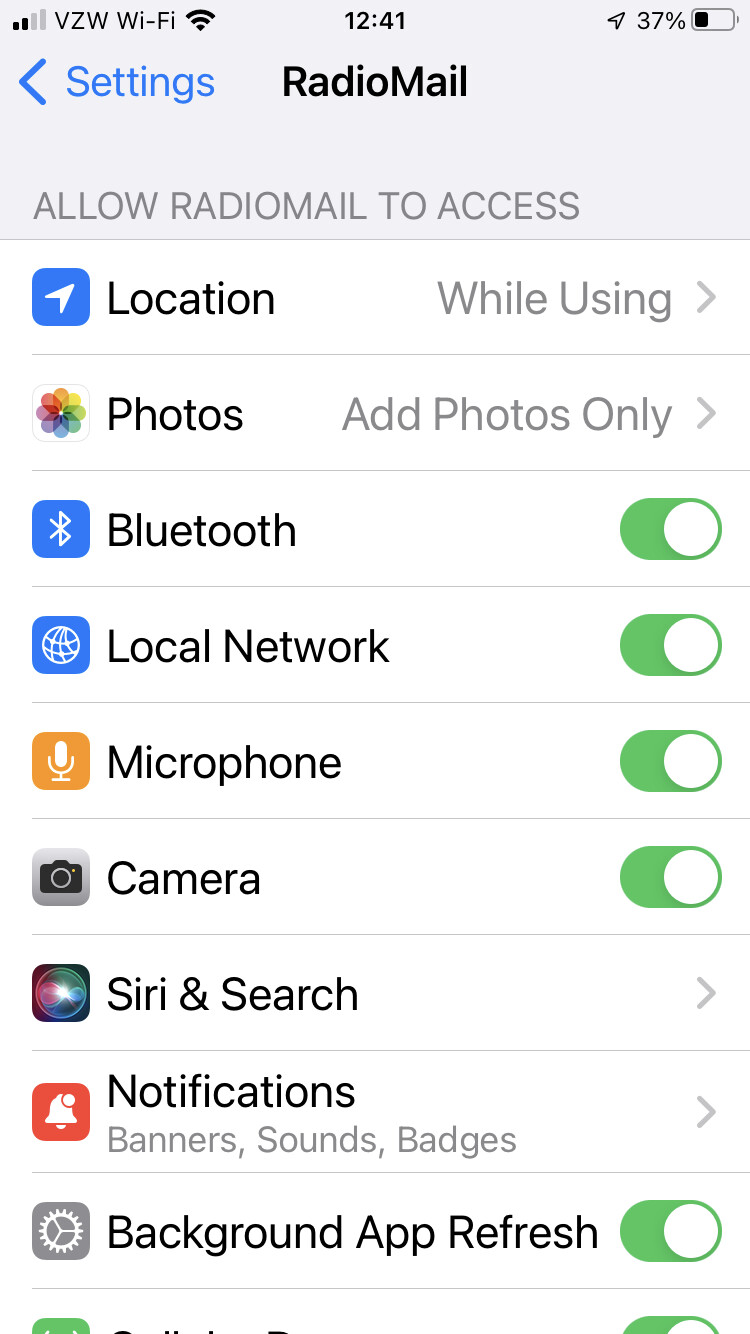
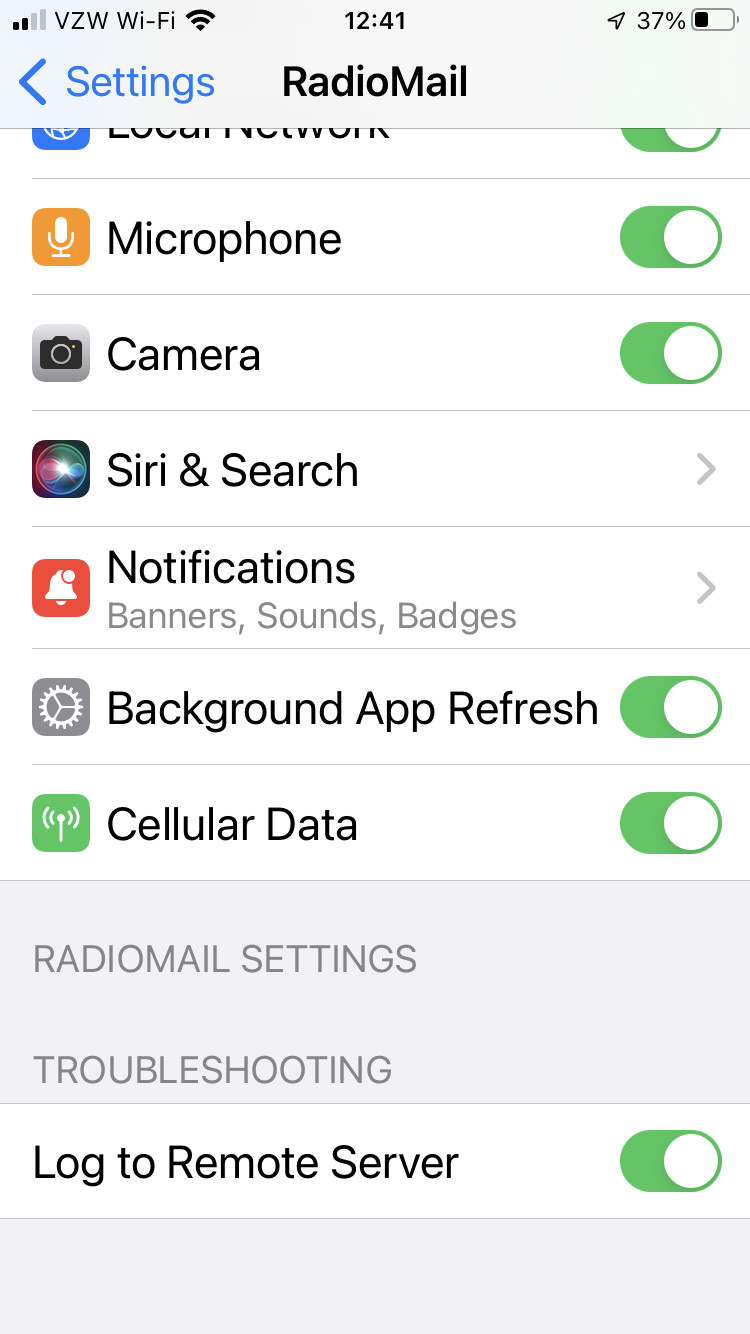
BINGO! I didn’t realize I needed to explicitly turn on Bluetooth in the RadioMail options. Maybe we both learned something. A suggestion, if you can check if it has BT permission and pop an alert window if it doesn’t.
I’ll continue testing now.
Thanks!
Great. Like any other permission requests (location, camera, microphone, etc.) iOS prompts the user when an app first want to use that service. It's easy to dismiss and not realize that.
Adding a check in RadioMail to see if the permission is denied and notify the user is a good improvement.
So now does it make a difference that the frequency is wrong. I have no way of entering 145.030
I cannot connect
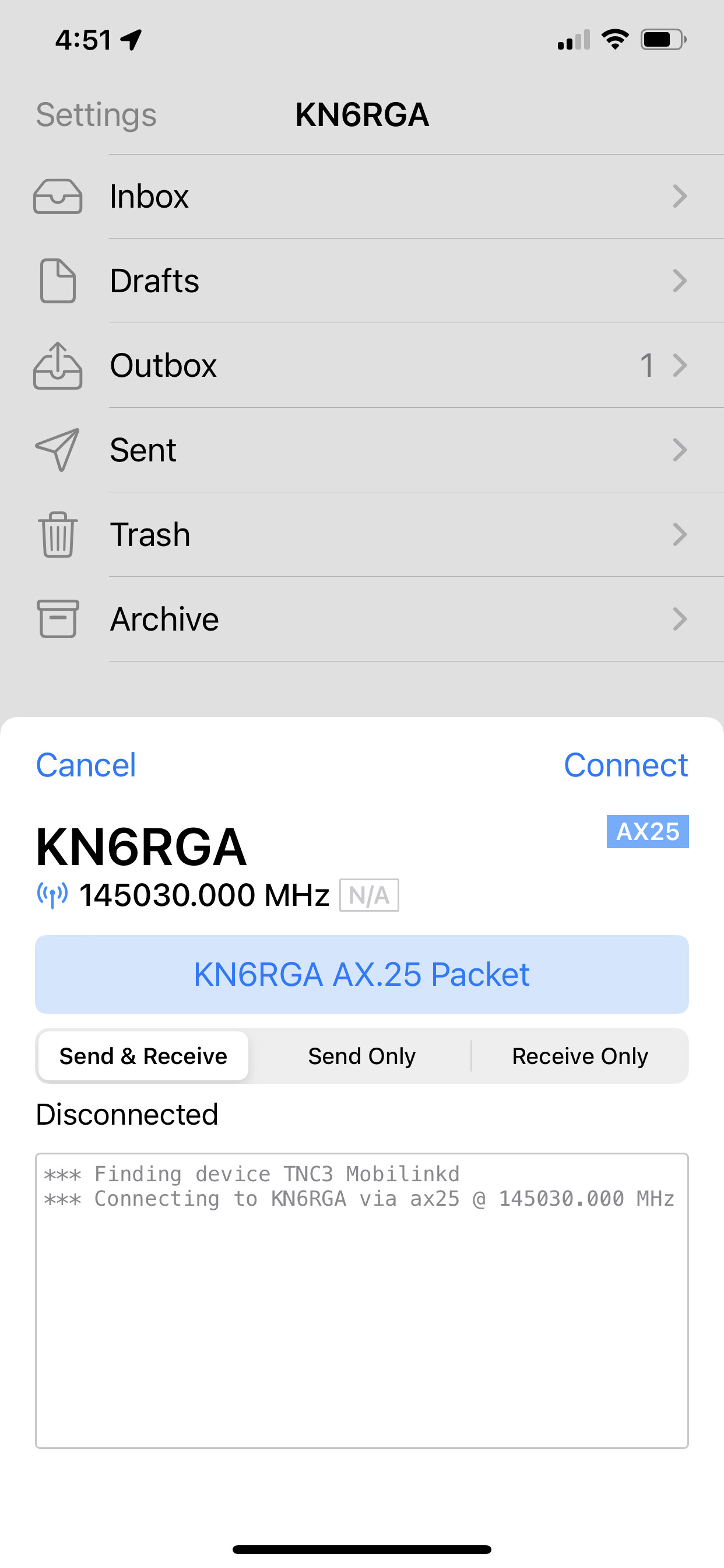
KISS TNC does not deal with rig control, so the frequency is for display only, to assist you in knowing what frequency to tune your radio to.
You should be able to enter decimal frequencies in the settings. The value is expressed in MHz for UHF/VHF modes and kHz for HF modes like Vara HF
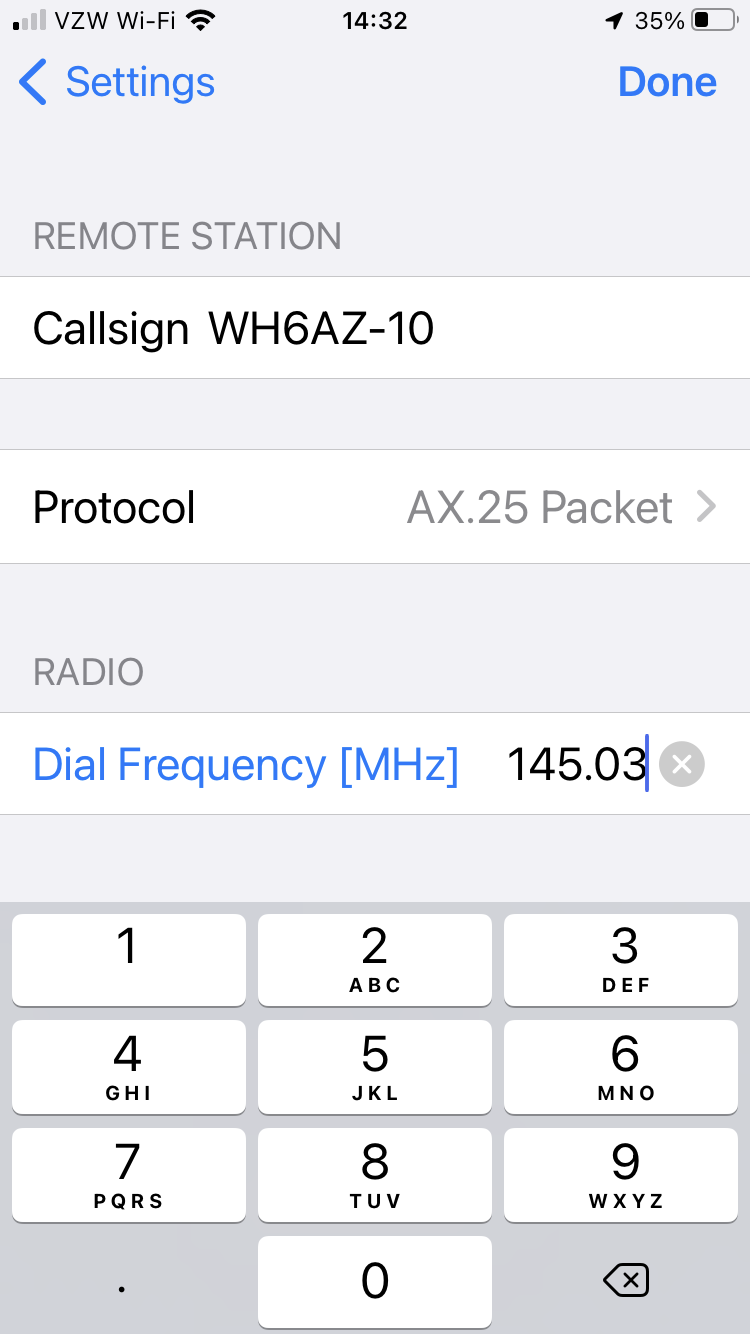
I agree that there is no rig control. Just seemed odd since it doesn't connect. Yet it works fine with the same modem and rig but with windows Winlink.
FYI I am not hearing the transmit tones with RadioMail but I do with Winlink. Hmmm
Actually I may be approaching this wrong. I am trying to connect to a Winlink site. Where do I connect for AX.25 packet? Same Winlink node?
Troubleshooting steps when trying to connect via Packet and a TNC
- Is the radio tuned to the correct frequency?
- Is the squelsh open?
- Are the audio levels set correctly? (go to the Mobilinkd configuration app to verify)
- Is the station you're trying to connect to within range?
- Is the callsign of the station you're connecting to correct? In your previous screenshoot, looks like you're trying to connect to KN6RGA. Is there a station listening with that callsign? In AX.25, the protocol used for "Packet" mode, callsigns of stations are used as addresses, so it's important that the source and destination callsigns are correct. Most packet station will have a callsign with a -10 SSID, like KH6S-10. If you omit the SSID, you won't be able to connect as the receiving station will just ignore that traffic.
- After you tap Connect in RadioMail, does the red LED on the TNC come up periodically? This means RadioMail can talk to the TNC and is sending data
- When the red LED comes up, does the radio key up (e.g. transmit)?
- If you have another radio, tune to the same frequency. You should hear "modem like" sound when the radio key up.
Success. It crashed first time but so far I have not been able to make it crash again. I’ll keep testing but I have been able to send and receive mail using AX.25 and Mobilinkt3